Should You Repair or Replace Your Broken Electronics?
Repair is not always the right answer, and neither is replacement. Here is how we help people work it out.

"Is it even worth fixing?" is the question we get asked most, and it deserves a real answer rather than a sales pitch. Sometimes a repair is clearly the sensible choice. Sometimes we tell people to put the money toward something newer. The difference usually comes down to four things: what is broken, how old the device is, what else is likely to fail, and what you need the device to do.
Start with the fault, not the device
Some faults are contained. Others are a symptom of the whole device wearing out.
Usually worth repairing:
- A cracked screen on an otherwise healthy device.
- A worn battery that no longer holds a charge.
- A charging port that has become loose or unreliable.
- A console that overheats or shuts down because it is full of dust.
- A computer that is slow because of a failing or undersized drive.
- A single failed part — a fan, a keyboard, a hinge, a drive.
Think harder about:
- Liquid damage that has spread across a board, especially if the device sat wet for a while.
- Several unrelated faults at once on a device that is already old.
- A device that is no longer receiving security updates from the manufacturer.
- Damage to a part that is not sold separately, so the repair means replacing most of the device anyway.
A five-year-old laptop with one dead fan is a good repair. The same laptop with a failing drive, a swollen battery, a broken hinge, and no more updates is telling you something.
Then ask what the device still needs to do
The right decision is different for a main work machine and for a backup device.
If it is the computer you earn a living on, reliability matters more than the repair cost, and you may want the repair plus a plan for what comes next. If it is a tablet the kids use for videos, keeping an old one going a few more years is often the smarter money.
Same with phones. A phone with a good screen and a tired battery is worth a battery. A phone with a cracked screen, a bad battery, a worn charging port, and three years of use behind it is a harder case.
Software updates are part of the maths
This is the one most people forget. A device that no longer gets updates from its manufacturer will keep working, but over time apps stop supporting it and known security holes stay open. That does not make a repair wrong — it does mean you should not spend heavily on a device with a short remaining lifespan.
If a device has one or two supported years left, match the repair to that. If it has many, a repair is easy to justify.
What a repair actually gets you
People sometimes assume a repaired device is a compromised device. For most common repairs — batteries, screens, ports, fans, drives, thermal cleaning — a proper repair returns the device to normal working condition. Our workmanship and the parts we fit are covered by our warranty terms, so you are not taking the risk alone.
What a repair cannot do is make an old device new. If a machine was already slow and frustrating before it broke, fixing the break will not change that. It is worth being honest with yourself about which problem you are actually trying to solve.
What it costs, and why we quote instead of listing prices
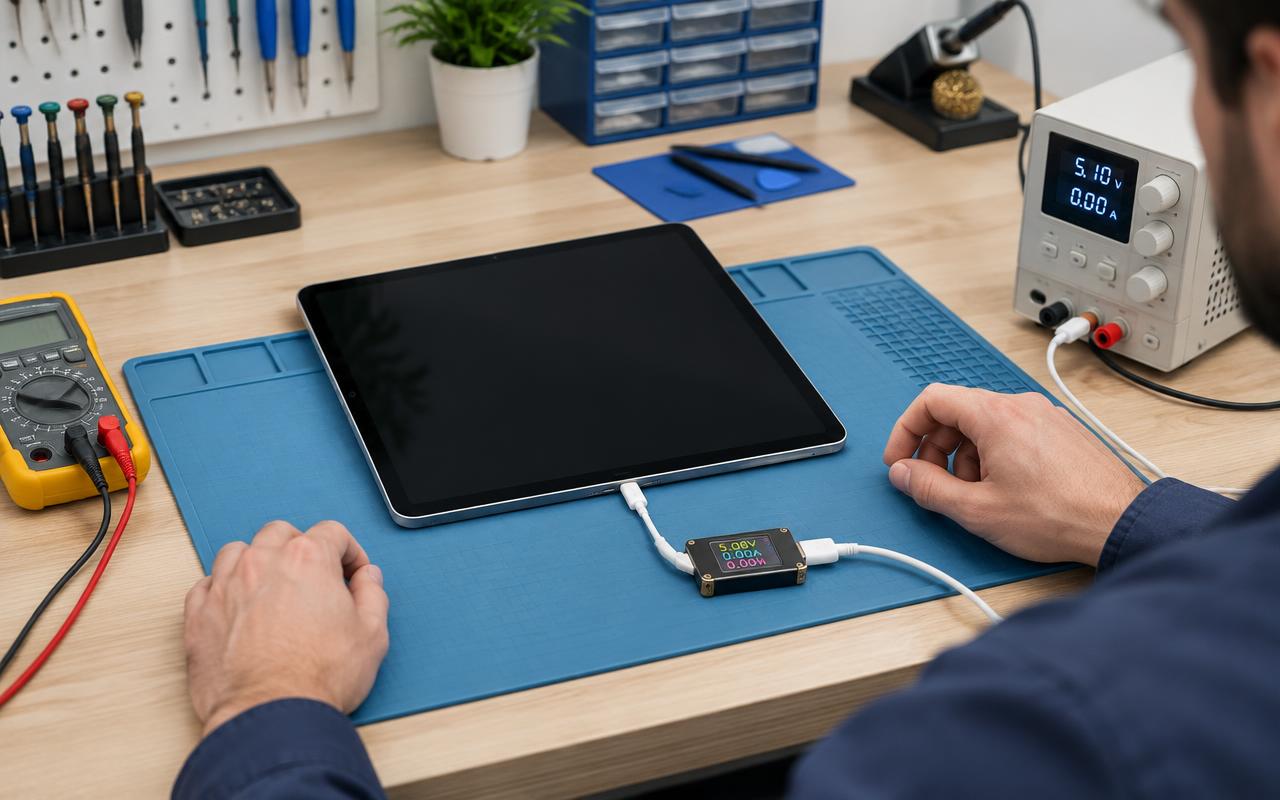
Repair cost depends on the exact model, the part involved, and what we find once the device is open. Two phones with the same cracked screen can be very different jobs. That is why we diagnose first and give you a figure before any work happens — and why you will not find a flat price list here that turns out not to apply to your device.
A rough rule that serves people well: if a repair costs a small fraction of a sensible replacement and the device has real life left in it, repair. If it approaches a meaningful share of a replacement and the device is near the end of its supported life, put the money forward.
How we help you decide
Bring the device in or send us the details, and we will diagnose it and tell you plainly which side of that line it falls on. We will also tell you when the answer is "do not spend money on this" — that conversation costs you nothing and saves you more than a repair we did not believe in.
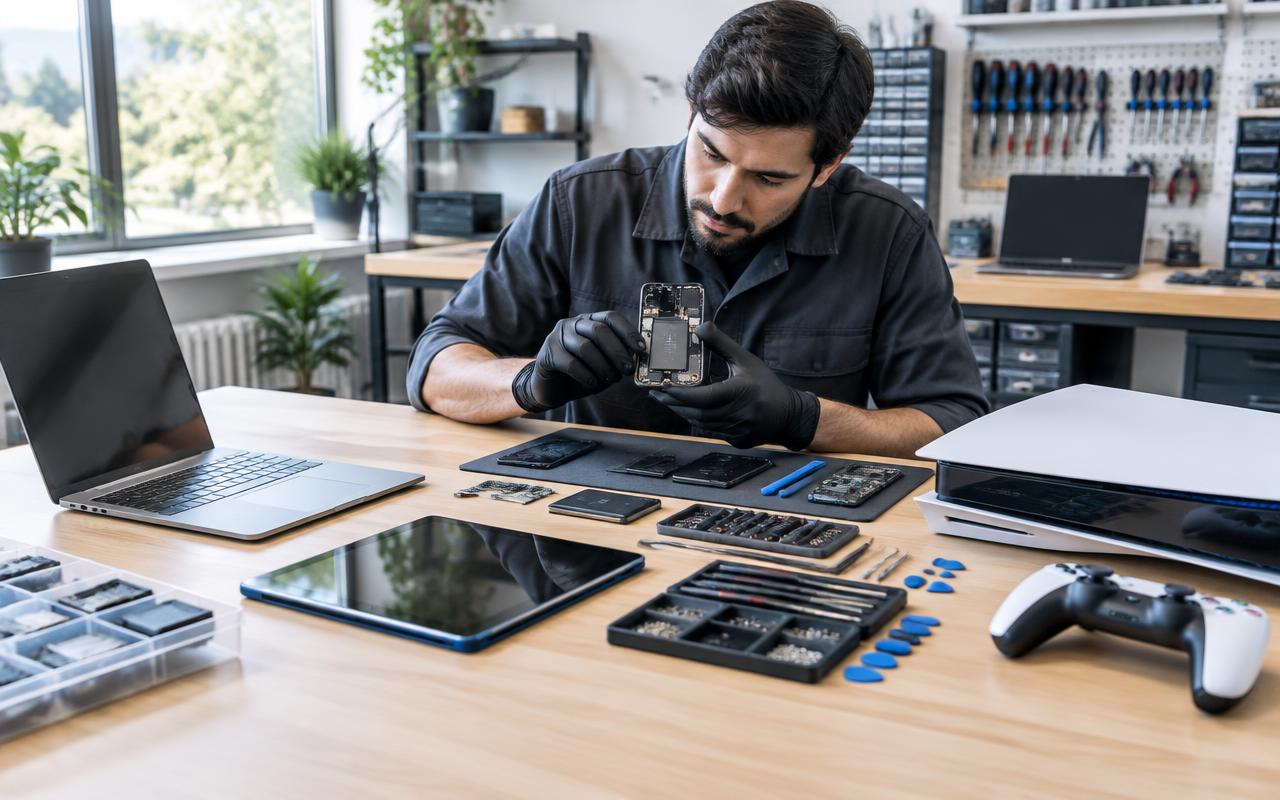
We work on game consoles and handhelds, desktops, laptops, tablets, and phones, and we serve Delano and the surrounding communities as well as customers who mail devices in.
If you already know your device needs work, start a repair request. If you are genuinely unsure, say so when you contact us — that is a normal question, not a nuisance.
Common questions
- How do I know if my device is too old to repair?
- Look at whether it still receives software updates and whether more than one thing is wrong. One contained fault on a supported device is usually a good repair. Several faults on an unsupported device usually is not.
- Can you tell me whether to repair or replace before I commit?
- Yes. We diagnose first and give you a figure and a recommendation before any work starts, including when the recommendation is not to repair.
- Does a repaired device work as well as a new one?
- For common repairs like batteries, screens, ports, fans, and drives, a proper repair returns the device to normal working condition. It will not make an already outdated device feel new.
Repair or replace? Let us help you weigh it up.
Bring the device in and we will give you an honest read on whether it has life left in it.
- repair or replace
- buying advice
- device lifespan