
iPad Won’t Turn On? What to Try Before a Repair
Deeply discharged iPads look dead for a long while. Start with a patient charge, then a force restart.
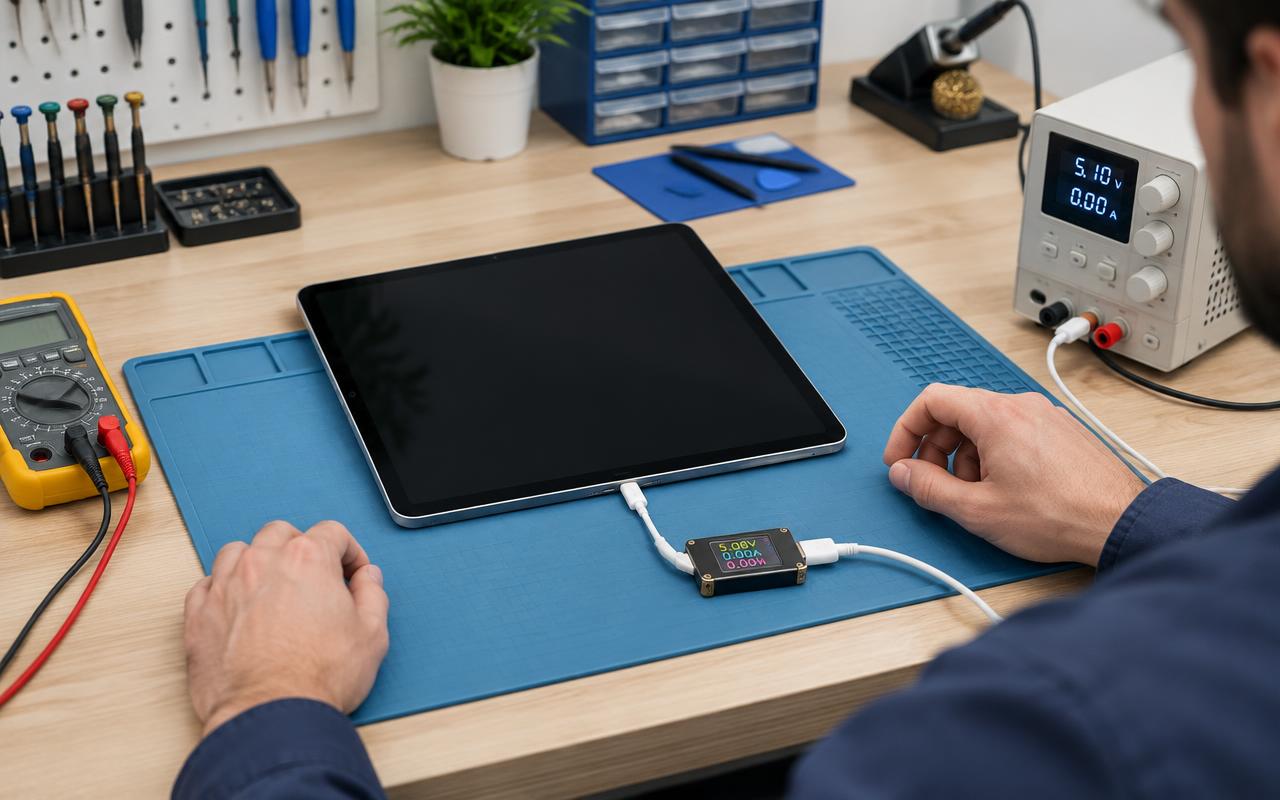
An iPad with a black screen looks final, but a surprising number of them are simply flat, stuck, or waiting on a bad cable. Try these in order before assuming the worst.
1. Charge it patiently, with good gear
An iPad that has been in a drawer for months can take a long time to show any sign of life — well past the point most people give up. Plug it into a proper wall adapter, not a computer port, and leave it for at least an hour before drawing conclusions.
Use a cable you know works and, ideally, an adapter rated for a tablet rather than a small phone charger. A charger that is too weak may barely keep up with the iPad's own power draw.
Then clean the port. Lint compacts in the bottom of an iPad's charging port just like a phone's. Power it off, use a wooden or plastic pick, and try again.
2. Force restart it
If the screen stays black while plugged in, the iPad may be powered but stuck.
- iPads with a Home button: hold the Home button and the top button together until the Apple logo appears.
- iPads without a Home button: press and release volume up, press and release volume down, then hold the top button until the logo appears.
Hold longer than feels natural. This is the step that recovers most "dead" iPads.
3. Watch for the signs it is powered but not displaying
Hold the iPad close in a quiet room and look and listen for:
- A very faint image if you shine a light at the screen at an angle.
- Sounds when you plug in or receive a notification.
- Warmth from the back.
- Your computer recognising it when connected.
Any of those means the iPad is running and the screen or its connection is the problem — a different, and often simpler, repair than a dead board.
4. Try a computer and recovery mode
Connect the iPad to a computer with Finder or iTunes. If it appears at all, the device is alive. From there you can try updating rather than restoring — updating attempts to preserve your data, while restoring erases it. Only restore if you have a backup or genuinely have nothing to lose.
If the iPad shows the Apple logo, then loops back to it repeatedly, that is a software problem rather than a hardware failure, and it is usually recoverable.
5. Think about what happened before
The history matters more than anything else you can tell us:
- Dropped it? The screen, the display connector, or the battery connection may have shifted.
- Got it wet? Stop charging it. Liquid plus power causes corrosion. It needs opening and cleaning promptly.
- Left in a hot car or freezing garage? Bring it to room temperature and try again before anything else.
- Case no longer sitting flat, or screen lifting at an edge? That suggests a swollen battery. Stop charging it and have it seen.
- Nothing at all happened, it just stopped? Often a battery at the end of its life, or a charging port that finally gave up.
What repairs usually solve it
For iPads that stay dark, the common fixes are a battery replacement, a charging port repair, or a display or display-connector repair. iPads are heavily glued and the glass is thin, so getting one open without cracking it takes the right tools and patience — this is one of the devices where DIY attempts most often turn into a bigger repair.
If the iPad is quite old, it is also worth asking whether it is worth the work. We will tell you honestly which side of that line yours falls on.
Before you bring it in
- Note what you have already tried, especially whether it responds to a computer.
- Bring the cable and charger you have been using.
- If you have a recent backup, mention it — that changes which repair routes are safe to try.
We repair iPads and Android tablets for customers around Delano and the surrounding communities, and we accept mail-in devices from further away. Tell us the history and we will tell you what it most likely needs.
Common questions
- How long should I charge a dead iPad before giving up?
- At least an hour on a proper wall adapter with a known-good cable. Deeply discharged iPads can stay dark for a long time before showing any sign of life.
- My iPad makes sounds but the screen is black. What does that mean?
- The iPad is running and the screen or its connector is the problem. That is often a more straightforward repair than a dead board.
- Is it worth repairing an old iPad?
- Sometimes. It depends on the fault, the model, and whether it still receives software updates. We will diagnose it and tell you honestly before any work starts.
Tablet still not cooperating?
Bring it in or mail it in and we will find out what is actually wrong before spending your money.
- ipad
- tablet
- no power
- battery