iPhone Battery Replacement: Signs It’s Time
Battery health percentage is only part of the story. These are the symptoms that actually mean it is time.
Every iPhone battery wears out. That is chemistry, not a defect. The useful question is whether yours has reached the point where a replacement makes the phone feel normal again — or whether something else is draining it.
Check battery health first
Go to Settings, then Battery, then Battery Health & Charging. Two things there matter:
Maximum Capacity is roughly how much charge the battery holds compared to when it was new. Apple considers a battery worth replacing once this drops meaningfully, and many people notice the difference well before it looks alarming.
Peak Performance Capability is the more telling one. If it says the battery cannot supply peak power and the phone has been slowed to prevent unexpected shutdowns, the battery is the bottleneck — not the phone's age, not iOS.
Symptoms that point at the battery
- It shuts off suddenly with charge remaining, especially in the cold.
- The percentage drops in large jumps rather than gradually.
- It only lasts a few hours of ordinary use.
- The phone gets warm doing very little.
- It will not hold a charge unless plugged in.
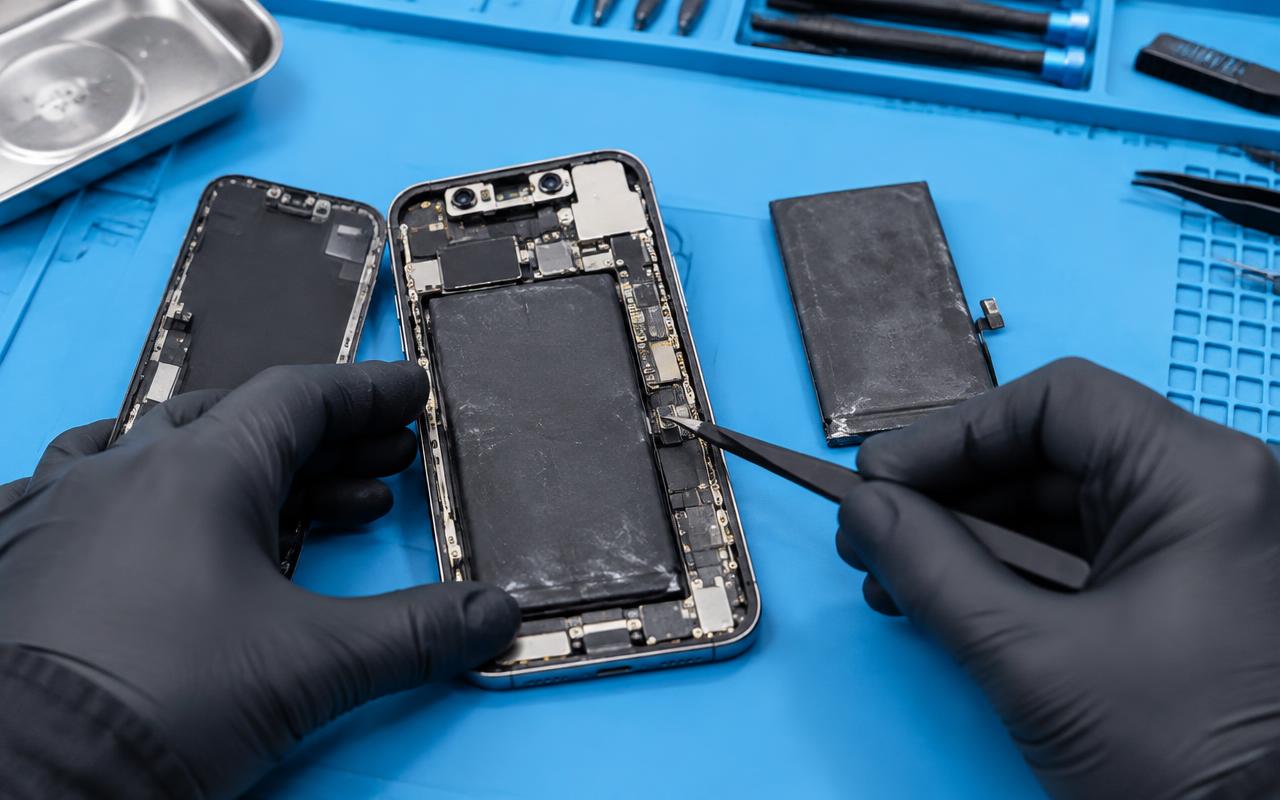
- The screen or back has started to lift away from the frame.
That last one is important. A lifting screen or a case that no longer sits flat can mean a swollen battery. Stop charging the phone, keep it somewhere cool, and get it seen quickly. Do not press on it or try to close the gap.
Symptoms that are probably not the battery
Plenty of "battery" complaints are something else:
- Draining fast after an iOS update, which often settles within a few days as the phone finishes background indexing.
- One app consuming everything — check Settings, then Battery, and look at the per-app breakdown.
- Poor cell signal, which makes the phone work much harder to stay connected.
- Screen brightness at maximum all day.
- Charging that only works at certain cable angles, which is a port problem rather than a battery problem.
Work through those before spending money. Sometimes turning off background refresh for one badly behaved app buys back hours.
What a replacement changes, and what it does not
A new battery restores runtime and removes performance throttling, so a phone that had been slowed down can feel considerably faster. What it will not do is fix a cracked screen, a worn charging port, a failing camera, or software you find frustrating.
If your phone has several things wrong at once and is already several years old, it is worth thinking about the whole picture rather than treating each fault separately. We are happy to have that conversation honestly, including when the answer is that the phone is not worth more money.
Why we quote rather than list a price
Battery replacement cost depends on the model, and the job itself varies between generations. We tell you the figure after we have identified the exact model and confirmed the battery is really the problem — not before, and not as a number that turns out not to apply to your phone.
Before you bring it in
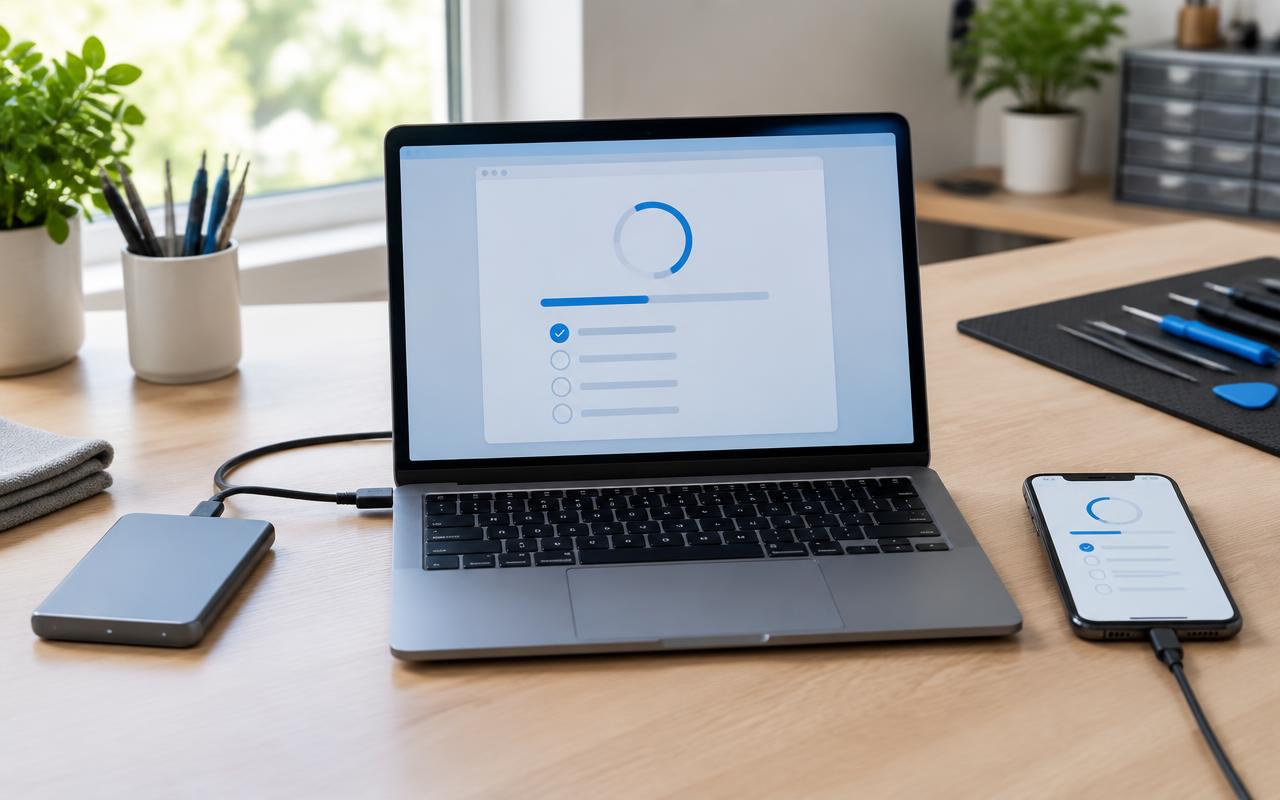
- Back the phone up to iCloud or a computer.
- Make sure you know your Apple ID password — you may need it afterward.
- Note down whether Battery Health mentions peak performance.
Battery replacements carry a one-year warranty with us, which is the longest of our warranty terms because a battery is the part most likely to be judged on how it performs months later.
Get it checked
Tell us the model, what the battery health screen says, and what the phone is doing, and we will tell you whether a battery is the right fix. We handle phone repairs for customers in Delano and nearby communities, and by mail-in for people further away.
Common questions
- At what battery health percentage should I replace an iPhone battery?
- There is no single number. Many people notice a real difference before the figure looks alarming. The clearer signal is the peak performance message, sudden shutdowns, or runtime that no longer gets you through the day.
- Will a new battery make my iPhone faster?
- If the phone was being slowed to prevent shutdowns, yes, noticeably. If it was slow for other reasons, a battery will not change that.
- What if my iPhone screen is lifting at the edge?
- That can be a swollen battery. Stop charging it, keep it somewhere cool, do not press on it, and have it seen promptly.
Still not right? We can take a look.
Tell us the model and what your iPhone is doing and we will tell you what it likely needs before you commit to anything.
- iphone
- battery
- battery health
- apple