iPhone Won’t Charge? Work Through These Checks
Most iPhones that will not charge have a dirty port, a failing cable, or a worn battery. Here is how to tell.
An iPhone that will not charge is usually one of three things, and only one of them needs a repair. Work through these in order before booking anything.
1. Change the cable and the adapter separately
Cables fail far more often than phones do, and they fail invisibly — the wire breaks inside the insulation, usually near either end. Try a different cable. Then try a different wall adapter with the original cable. Changing both at once tells you nothing about which one was at fault.
Also avoid diagnosing on a computer USB port or a car socket. Both deliver less power and behave inconsistently. Use a proper wall adapter for the test.
2. Clean the charging port
This is the single most common cause we see, and most people are surprised by how much comes out. The port lives in a pocket, and pocket lint compacts into a solid plug at the bottom. The cable then cannot seat fully, so it either does not charge or charges only at a certain angle.
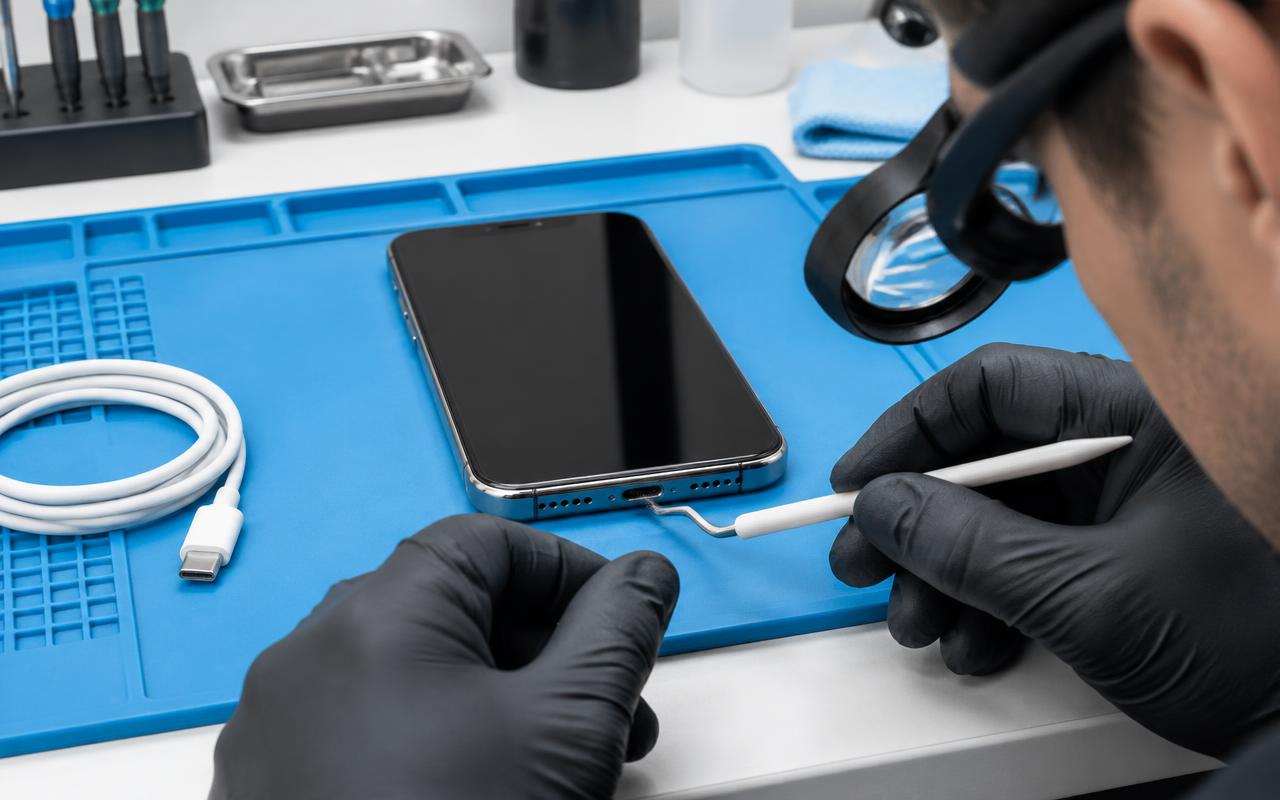
Power the phone off. With a wooden or plastic toothpick — never metal, never while charging — gently work the debris up and out. Take your time and do not scrape at the contacts. Then try the cable again; it should click in and feel firm.
If the cable still feels loose and sloppy after cleaning, or only works when held at an angle, the port itself is worn and needs replacing.
3. Force restart the phone
If the screen is black and nothing is happening, the phone may be off rather than dead. On most modern iPhones: press and release volume up, press and release volume down, then hold the side button until the Apple logo appears.
If the battery is completely flat, leave it on a charger for at least half an hour before deciding anything.
4. Look for signs of liquid or damage
If the phone has been in water, a pool, or the rain, stop charging it. Charging a wet port is how a recoverable situation becomes corrosion damage. Dry the outside, leave it powered off, and get it looked at. Rice does nothing useful.
Also look at the port with a light. Bent or blackened pins, or a green tint, are signs of physical or liquid damage rather than dirt.
5. Check whether it is the battery instead
If the phone does charge but the charge disappears quickly, or it dies at 30 percent, that is a battery symptom rather than a charging fault. Settings, then Battery, then Battery Health & Charging will usually confirm it.
6. Rule out wireless charging confusion
If you normally use a wireless charger, test with a cable too. A thick case, a metal card in the case, or a slightly misaligned pad will all stop wireless charging while the phone itself is perfectly fine.
What needs a repair
If you have cleaned the port, tried two cables and two adapters, and force restarted the phone, and it still will not charge, the likely candidates are:
- A worn or damaged charging port assembly.
- A battery at the end of its life.
- Corrosion or board damage after liquid exposure.
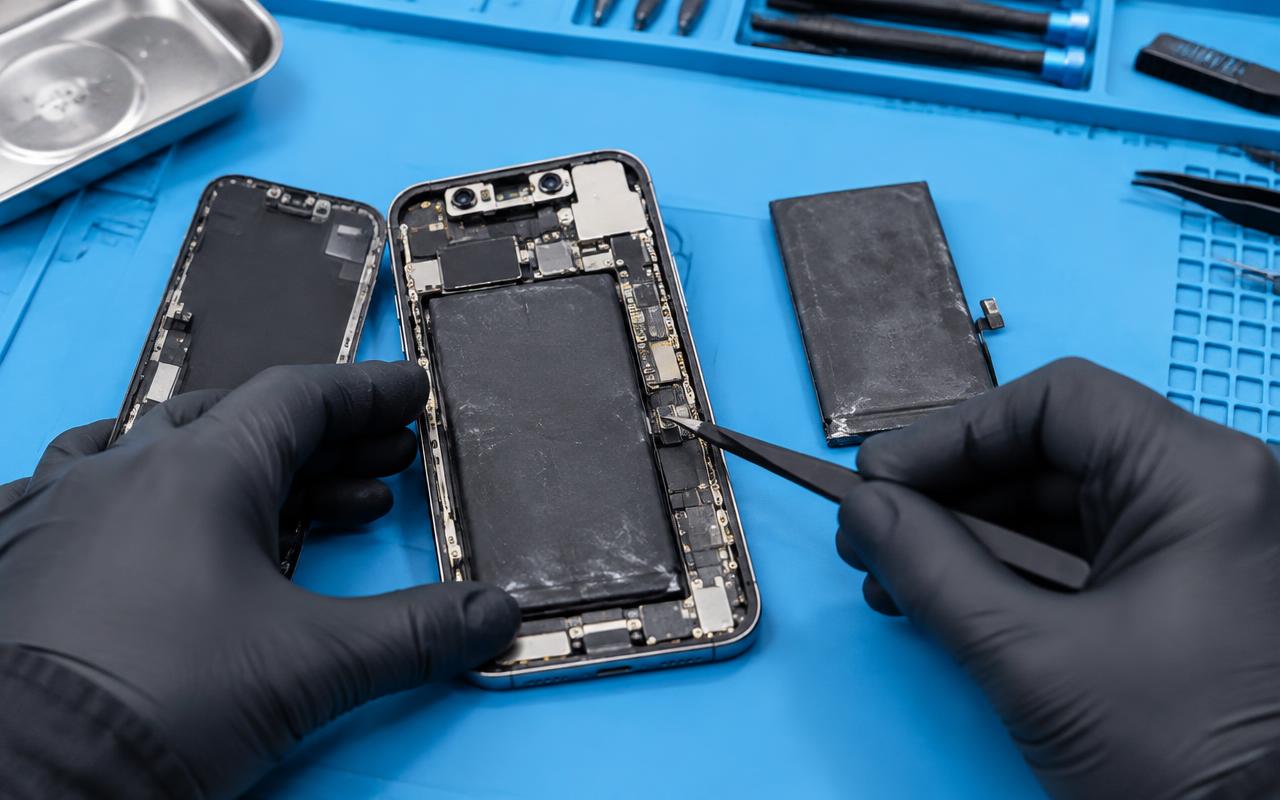
Port replacement and battery replacement are both routine repairs. Liquid damage is more variable, which is why we diagnose and quote before doing work rather than promising an outcome in advance.
Habits that prevent it
- Clear the port occasionally rather than waiting for a problem.
- Do not sleep with the phone charging under a pillow.
- Unplug by the connector, not by pulling the cable.
- Replace a cable as soon as the housing starts to split.
Get it looked at
Tell us the model, what you have already tried, and whether the phone has been near liquid, and we will tell you what it most likely needs. We repair phones for customers around Delano and by mail-in from further away. Bring the cable and adapter you have been using with you — sometimes that is the fault.
Common questions
- Why does my iPhone only charge at certain angles?
- Almost always lint packed in the port or a worn port. Clean it carefully with a wooden or plastic pick first; if the cable still feels loose, the port needs replacing.
- Is it safe to charge an iPhone that got wet?
- No. Charging a wet port can cause corrosion damage. Dry the outside, leave it off, and have it checked.
- How do I know if it is the port or the battery?
- If it will not take a charge at all, suspect the cable or port. If it charges but drains quickly or dies with charge left, suspect the battery.
Still not right? We can take a look.
Tell us the model and what your iPhone is doing and we will tell you what it likely needs before you commit to anything.
- iphone
- charging
- charging port
- apple