MacBook Running Slow? Here’s What to Check First
A slow MacBook is usually short on free storage, overloaded at login, or too hot. Here is the order to check.
MacBooks tend to age gracefully and then, fairly suddenly, feel slow. Beach balls when switching apps, fans running constantly, a browser that takes seconds to respond. Before assuming the machine is finished, it is worth working through the handful of things that actually cause it.
1. Free storage is the usual suspect
macOS needs free space to work with. Once a drive gets close to full, everything slows down — and on machines with smaller drives that happens sooner than people expect.
Open the Apple menu, then About This Mac, then Storage. If you have only a few gigabytes free, that alone can explain the problem. The biggest space consumers are usually:
- Photo and video libraries, especially with iCloud set to keep originals on the Mac.
- Old iPhone and iPad backups.
- Downloads that were never cleared out.
- Large mail attachments.
- Duplicate copies of big project files.
Aim to keep a comfortable margin free rather than scraping by at the last gigabyte.
2. Check what launches at login
Open System Settings, then General, then Login Items. Cloud sync tools, chat apps, and updaters all add themselves here and all want attention the moment you log in. Turn off what you do not need running immediately.
Then open Activity Monitor and sort by CPU, then by Memory. If one process is consistently at the top, that is your bottleneck. Browsers with many tabs and extensions are the most common finding; a stalled sync or backup process is a close second.
3. Look at heat
MacBooks are thin, which means their cooling is easily blocked. A machine used on a bed, sofa, or blanket cannot exhaust heat, and macOS will slow the processor down to protect it. Use it on a hard surface and see whether the difference is noticeable.
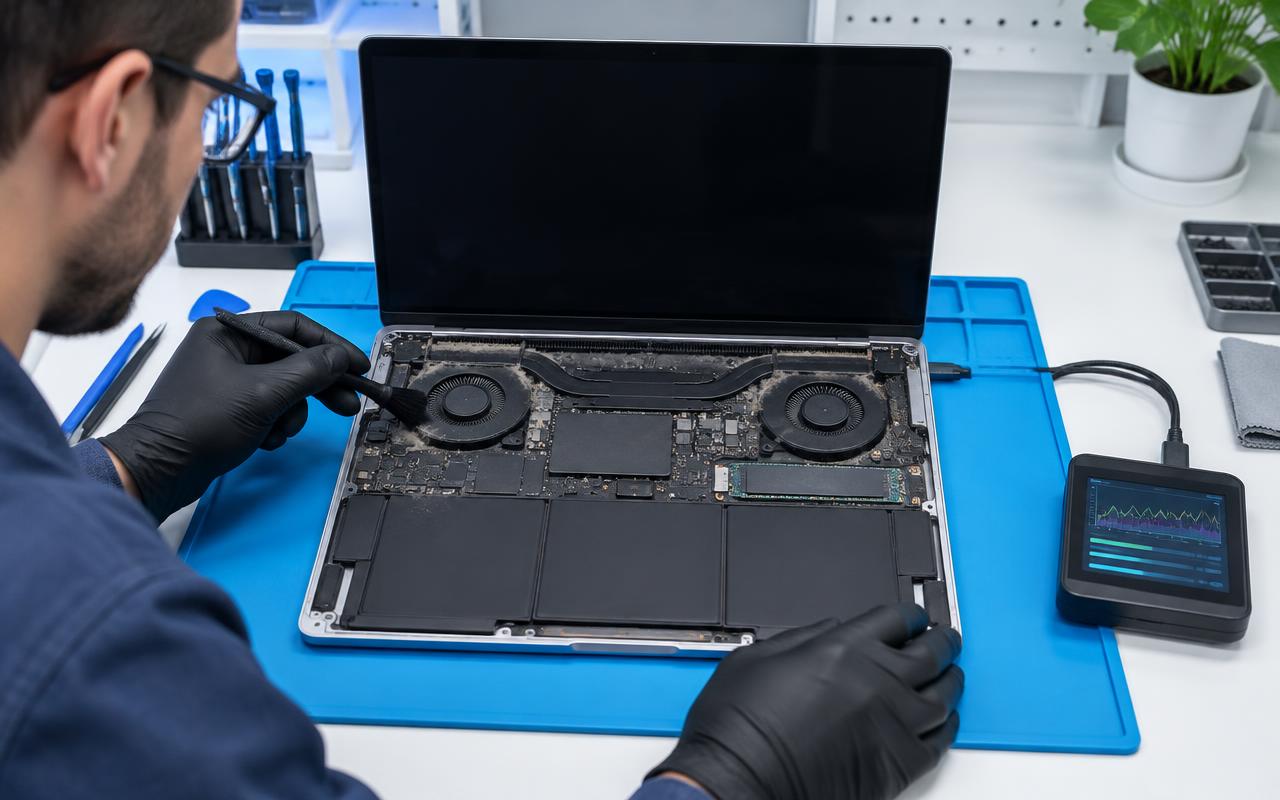
If the fans are loud even when idle, or the machine is hot with nothing running, the cooling path is probably full of dust. On an older MacBook, cleaning the fans and heatsink and refreshing the thermal paste can restore performance that no amount of software tidying will.
4. Check the battery
Hold Option and click the Apple menu, then choose System Information and look at Power. macOS also shows battery condition under Battery in System Settings.
A worn battery can cause real slowdowns, not just short runtime — when a battery can no longer supply peak current, the system reduces performance to stay stable. If the condition says the battery needs servicing, that is worth acting on.
Also check the case. If the trackpad has started to feel odd, the bottom does not sit flat, or the case looks slightly bowed, that can be a swollen battery. Stop using the machine and get it looked at — a swollen battery presses on the trackpad and, eventually, the screen.
5. Restart, and install updates
MacBooks often go weeks without a restart. That alone accumulates problems. Restart properly, then install pending macOS updates.
One caution: on much older hardware, a major new macOS version can make things worse rather than better. If your machine is several generations old and currently stable, a point update is sensible; a whole new version is worth thinking about first.
6. Be honest about the hardware limits
This is where MacBooks differ from PCs. On most modern MacBooks the memory and storage are soldered to the board, so what you bought is what you have — there is no memory upgrade to fall back on. If a machine has 8 GB and you routinely run heavy apps and dozens of tabs, no amount of tuning will change the ceiling.
Older MacBooks are a different story. Some models take a drive upgrade or a memory upgrade, and where they do, it transforms them for a fraction of a replacement.
What we can do
We handle MacBook cleanups, thermal service, battery replacement, storage work where the model allows it, and diagnosing the difference between a software slowdown and failing hardware. If your model cannot be upgraded, we will tell you plainly instead of charging you to find out.
Battery replacements carry a one-year warranty and other internal non-battery repairs 180 days, so you are not carrying the risk on the work.
Tell us the model and roughly what year it is from, along with what the machine is doing, and we will tell you which of the above it most likely needs. We work with customers in Delano and the surrounding communities, and by mail-in.
Common questions
- Can a MacBook be sped up, or do I need a new one?
- Most slow MacBooks improve a lot with free storage, fewer login items, a thermal clean, or a battery replacement. What cannot be changed on newer models is soldered memory and storage.
- Does a worn battery make a MacBook slower?
- It can. When a battery can no longer supply peak power, macOS reduces performance to stay stable. Check battery condition in System Settings.
- My MacBook trackpad feels strange and the case does not sit flat. What is that?
- Often a swollen battery pressing from underneath. Stop using the machine and have it looked at promptly.
Not sure whether it is software or hardware?
That is exactly what a diagnosis is for. Tell us the model and roughly what year it is from and we will take it from there.
- macbook
- slow mac
- battery health
- thermal service