PS5 HDMI Port Problems: What You Need to Know
No signal from a PS5 is not always the port. Here is how to rule out the easy causes before assuming the worst.
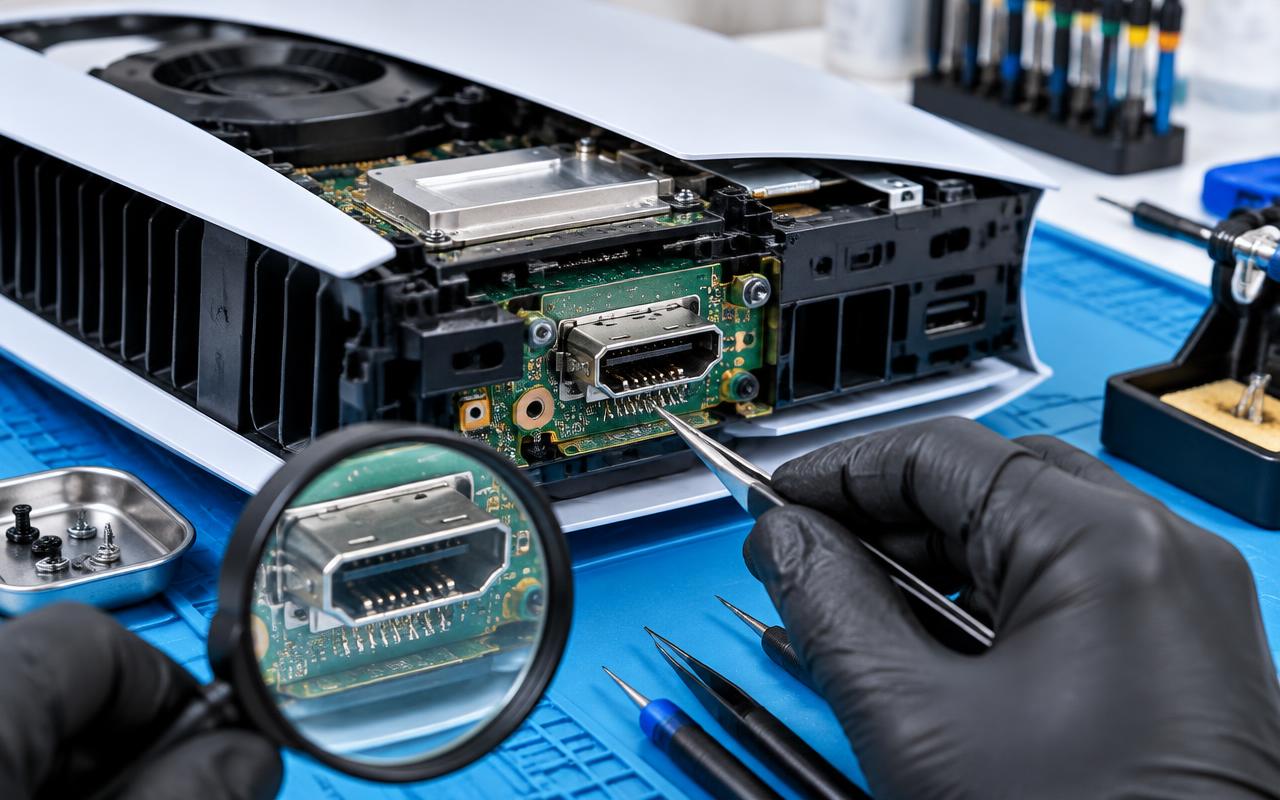
A PS5 that powers on but shows nothing on the TV is alarming, and the internet will tell you within thirty seconds that your HDMI port is broken. Sometimes it is. Often it is not. Working through the checks below takes ten minutes and can save you a repair you did not need.
Symptoms of a damaged HDMI port
A genuinely damaged port usually shows one or more of these:
- No picture at all, on any TV, with any known-good cable.
- Picture that flickers or drops out when the cable is nudged.
- A cable that feels loose in the socket, or sits at a slight angle.
- Visibly bent, pushed-in, or missing pins inside the socket.
- Picture only if you hold the cable in a particular position.
Physical damage nearly always has a cause: the console was knocked or moved with the cable plugged in, something pulled the cable sideways, or the console fell over. If nothing like that happened, be more suspicious of the cable, the TV, or the console's video output.
Rule these out first, in this order
1. The cable. HDMI cables fail more often than ports. Try a different cable, and try the console's original one on another device to see whether the cable itself is dead.
2. The TV input. Move the console to a different HDMI input on the TV, and make sure the TV is set to that input. A failed input on the TV looks exactly like a failed port on the console.
3. A different TV or monitor entirely. This is the check that tells you the most. If the console works on another screen, the console is fine.
4. Anything in between. Take out soundbars, receivers, switches, and capture cards and connect the console straight to the TV.
5. A video mode mismatch. If the console was set to an output your TV cannot handle, hold the power button until you hear a second beep to start in Safe Mode, then choose the option to change resolution. This one recovers a surprising number of "dead" consoles.
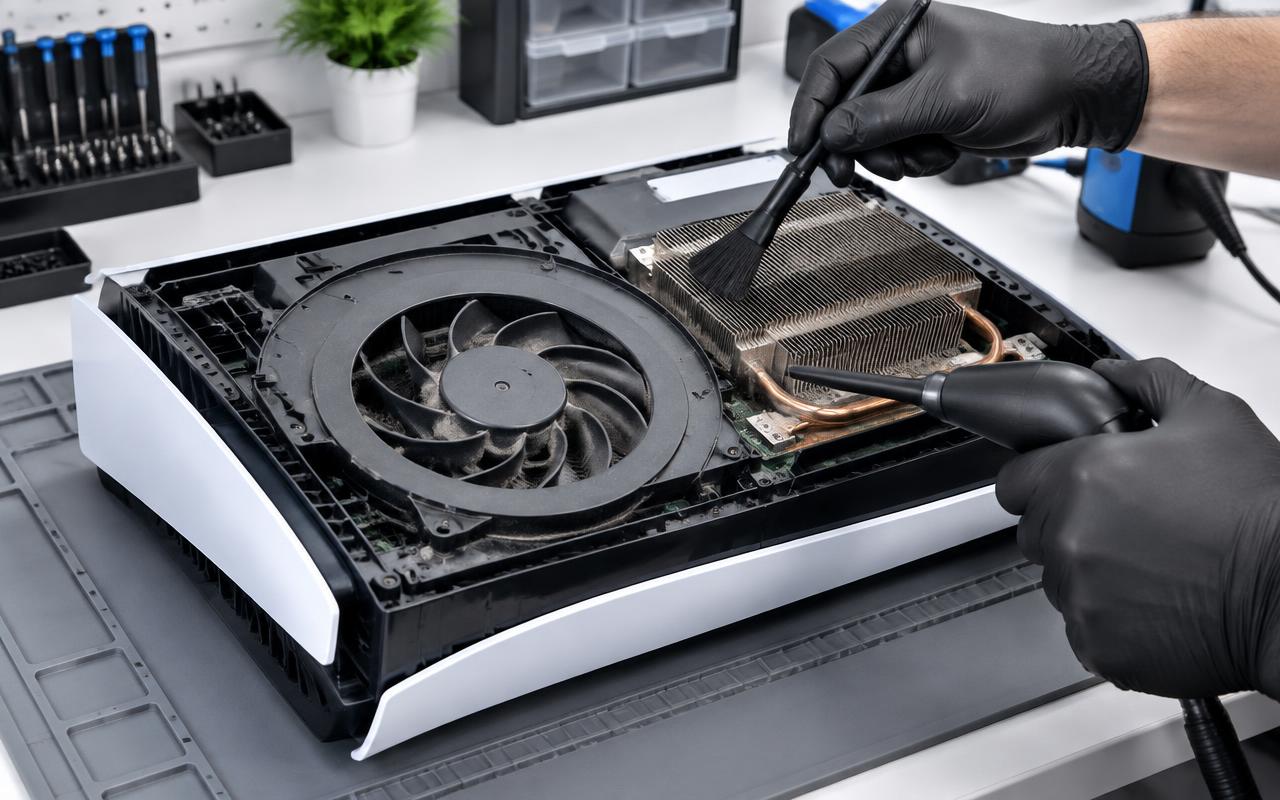
If you have a black screen on multiple TVs with multiple cables and Safe Mode does not help, then the console needs opening up.
Port damage versus board damage
This is the important distinction, and it decides whether a repair is straightforward.
If the socket itself is damaged but the board underneath is intact, replacing the port is a well-defined job: the old socket is removed, the pads are cleaned, and a new port is soldered in place. It is fine, careful work, but it is a known repair with a good outcome.
If the impact that damaged the port also damaged the pads or traces on the board, or if a chip on the video path has failed, the job becomes much more involved. That is why we diagnose before quoting rather than promising a price for "an HDMI repair" sight unseen.
Why this is not a DIY repair
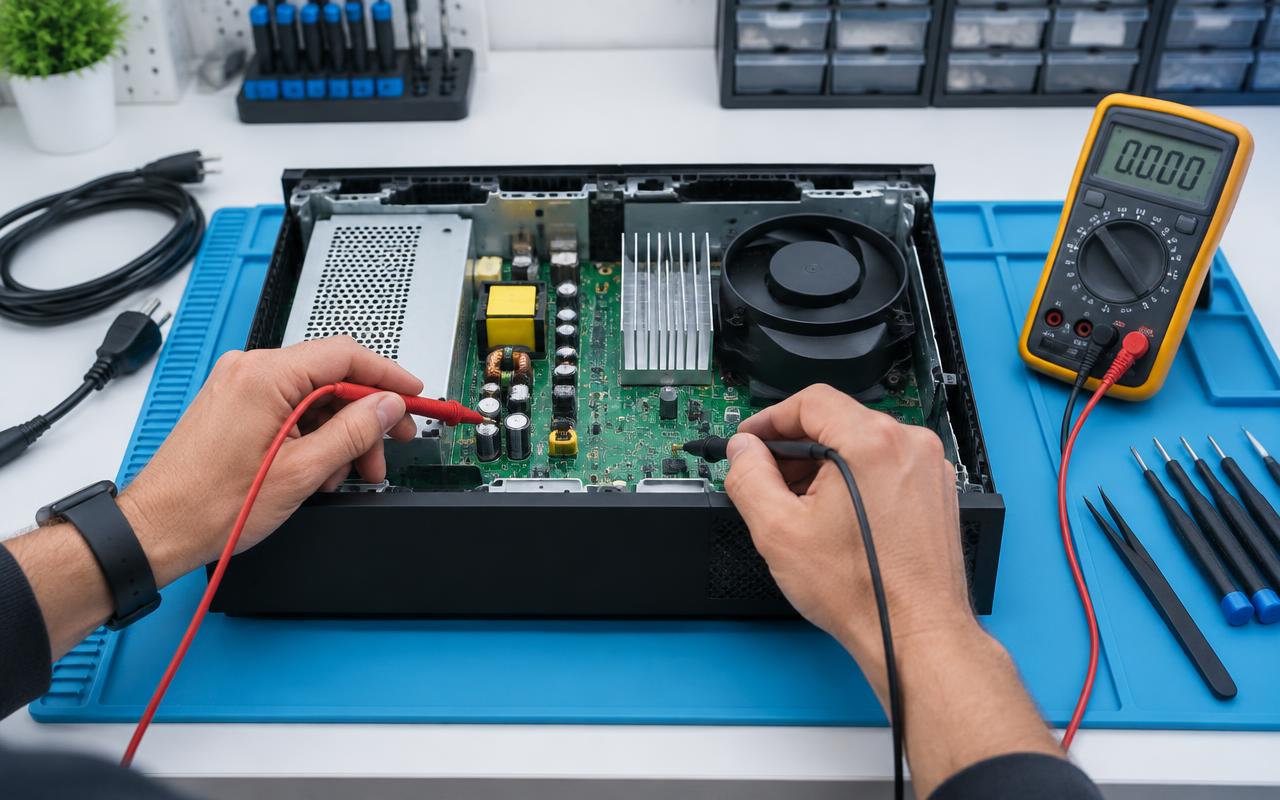
Replacing an HDMI port on a modern console means removing a multi-pin surface-mount connector from a dense multi-layer board without lifting pads or cooking nearby components. It needs proper hot air equipment, the right flux, and practice.
Attempts with a basic soldering iron usually turn a repairable port into a board repair. If you are already at the stage of considering it, that is the point to hand it over.
How to avoid it happening again
Almost every damaged HDMI port we see was preventable:
- Unplug the HDMI cable before moving the console.
- Do not let the cable hang with its weight pulling on the socket.
- Use a cable with a slim connector housing if the console sits close to a wall.
- Keep the console somewhere it will not be knocked over.
- If you swap between screens often, leave a short cable attached and swap at the far end.
Getting it looked at
Send us a description of what happens — including which TVs and cables you have already tried, and whether anything knocked the console — and we will tell you whether it sounds like a port repair or something further into the board. We handle console repairs for customers around Delano and by mail from further afield.
If you have already ruled out the cable and the TV, do not keep forcing the cable in and out. That is how a repairable port becomes a bigger job.
Common questions
- How do I know if my PS5 HDMI port is broken or if it is the TV?
- Try a different cable, a different HDMI input, and ideally a different TV. If the console shows nothing on any screen with any cable, and Safe Mode resolution reset does not help, the console needs looking at.
- Can a PS5 HDMI port be repaired, or does the whole console need replacing?
- If the socket is damaged but the board underneath is intact, the port can be replaced. If the board pads or traces were damaged too, the repair is more involved, which is why we diagnose before quoting.
- Why can I not just solder a new HDMI port in myself?
- It is a dense surface-mount connector on a multi-layer board and needs hot air equipment and practice. A basic soldering iron usually turns a port repair into a board repair.
Console still misbehaving?
We clean, service, and repair consoles and handhelds, and test them under load before they go back to you.
- ps5
- hdmi
- playstation
- no signal