PS5 Overheating? Common Causes and What Actually Helps
Loud fans and heat warnings on a PS5 usually come down to airflow, dust, or dried thermal paste. Here is how to tell which.
A PS5 that runs hot, gets loud, or throws a heat warning mid-game is one of the most common console problems we see. It is also one of the most fixable. In most cases nothing is broken — the console simply cannot move heat out fast enough anymore.
Here is what causes it, in the order we check.
What overheating actually looks like
- The fan gets much louder than it used to, especially in demanding games.
- The console shuts itself off during play, sometimes with a heat warning message.
- The top or back of the case is hot rather than warm.
- Games stutter or drop frame rate after twenty or thirty minutes.
- It comes back on fine after cooling down, then does it again.
That last pattern — fine when cold, fails when warm — is the clearest sign that heat is the cause rather than a coincidence.
1. Where the console sits
The PS5 pulls air in and pushes it out through the back and sides. It needs clear space around it, and it needs to pull in cool air rather than its own exhaust.
Things that cause trouble more often than people expect:
- Sitting inside a closed media cabinet with no airflow.
- Pressed close to a wall or against another device.
- Sitting on carpet, which blocks the lower intake.
- Directly above a receiver or another console that pushes out heat.
- In direct sunlight from a nearby window.
Give it several inches of clear space on all sides and see whether the fan calms down. Orientation, vertical or horizontal, matters much less than clearance.
2. Dust in the cooling path
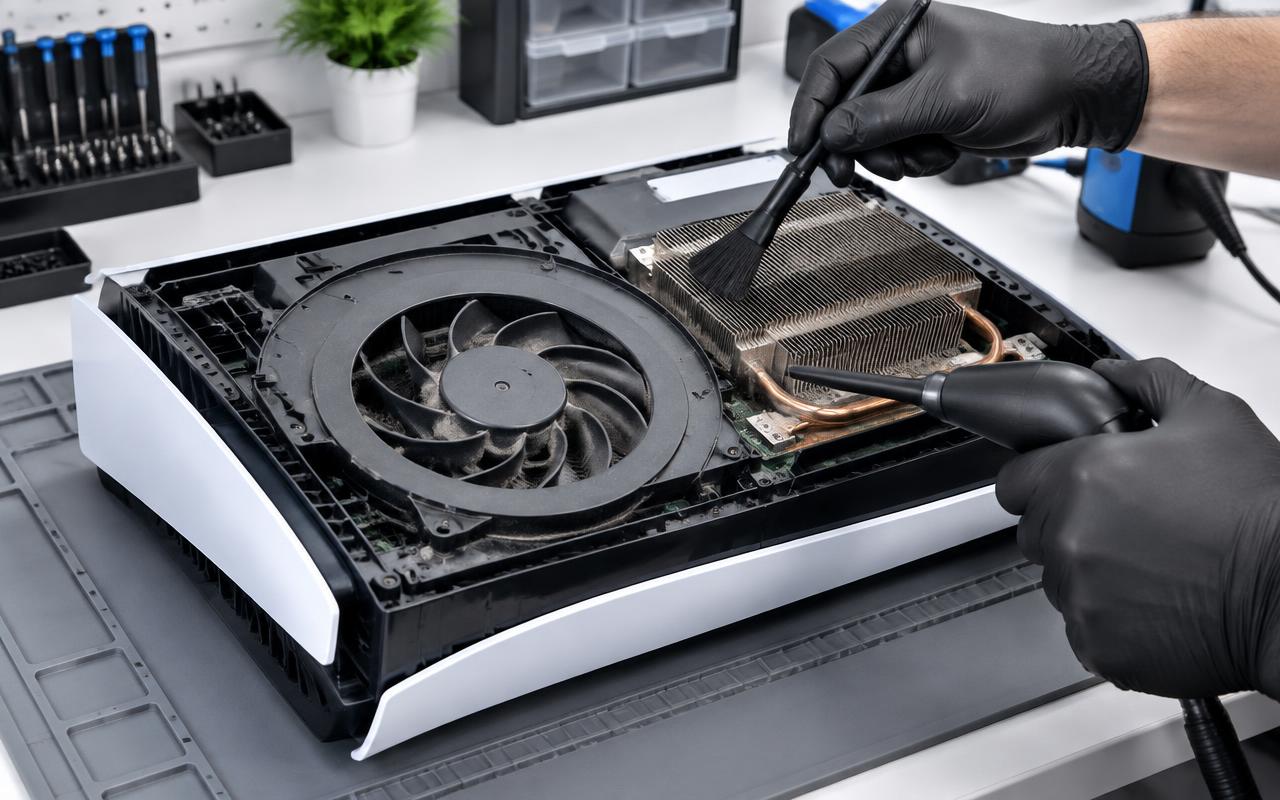
This is the single biggest cause. Over two or three years the intake vents, the fan blades, and the heatsink fins fill with dust and pet hair. The fan then has to spin much faster to move the same air, and eventually it cannot keep up at all.
You can help from the outside: switch the console off, unplug it, and clear the visible vents with short bursts of canned air held upright, or a soft brush. Do not use a household vacuum directly against the vents.
What you cannot reach from outside is the dust packed into the heatsink and the fan blades themselves. On a console that is a few years old and running hot, that is usually where most of it is, and getting it out means opening the console properly.
3. Dried-out thermal paste
The paste between the processor and the heatsink transfers heat away from the chip. It dries out over the years, and once it does, the console runs hot no matter how clean the fan is or how much space it has.
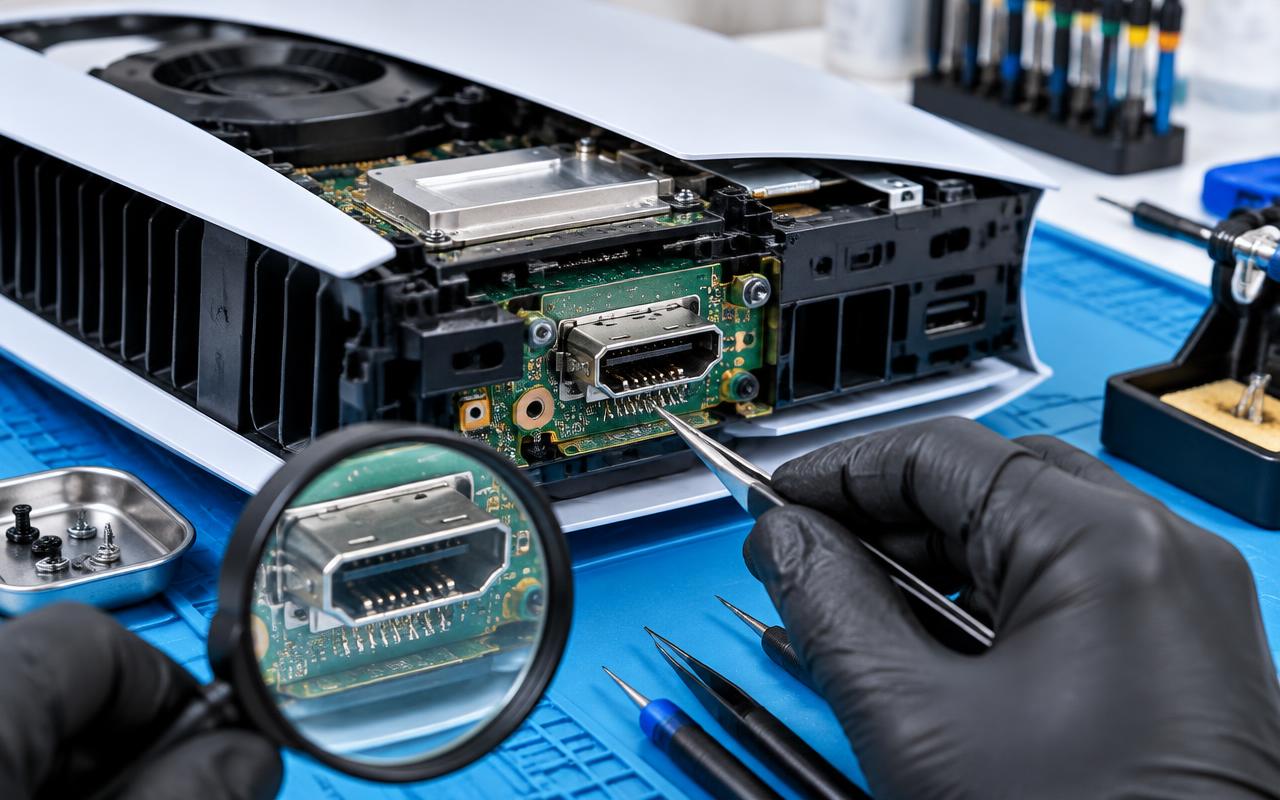
Replacing it is a bench job — the console has to come apart and the heatsink has to be removed, cleaned, and reseated correctly. Done properly it makes a substantial difference on an older PS5. Done carelessly it can make things worse, or damage the board.
4. The liquid metal question
Sony used liquid metal rather than conventional paste between the chip and heatsink. That is excellent at moving heat, but it is unforgiving: it can shift or thin out over time, and it must not be allowed to touch the wrong parts of the board.
This is the main reason we do not recommend a first attempt at a PS5 teardown on your own console. The disassembly itself is manageable; handling liquid metal safely and reapplying it correctly is not something to learn on hardware you care about.
5. Firmware, storage, and the fan you cannot control
Keep the system software up to date — Sony has adjusted fan behaviour in updates. Also make sure any expansion drive you have added has its own heatsink, as an M.2 drive with no cooling adds heat right next to the main board.
There is no user setting to make the PS5 fan run harder. If it is already loud, it is already trying.
When to stop and get it looked at
Stop using it and get help if:
- It shuts down repeatedly, even after you have improved airflow.
- The exhaust smells hot or dusty.
- The fan makes a grinding or rattling noise rather than just a rushing one.
- You have already cleaned the outside and nothing changed.
Continuing to run a console that keeps overheating is how a cooling problem turns into a board problem.
What we do about it
We clean PS5 consoles properly — intake, fan assembly, and heatsink — and reapply thermal compound where it is needed, then test under load before it goes back to you rather than just confirming it powers on. If a fan is worn or a drive is adding heat, we tell you.
We handle console work for customers around Delano and for people who mail their consoles in from further away. Send us the details of what your console is doing, including whether it shuts down or just gets loud, and we will tell you what it likely needs.
Common questions
- Is it safe to keep using a PS5 that overheats?
- Not really. Repeated heat shutdowns put stress on the console, and a cooling problem left alone can turn into a hardware failure. Improve airflow immediately and get it cleaned properly.
- Can I clean the inside of my PS5 myself?
- You can safely clear the outside vents with canned air or a soft brush. Going further means handling liquid metal, which is easy to get wrong, so we would not recommend a first attempt on your own console.
- Does standing the PS5 vertically help with heat?
- Far less than clearance and cleanliness do. Space around the console and a clean cooling path matter much more than orientation.
Console still misbehaving?
We clean, service, and repair consoles and handhelds, and test them under load before they go back to you.
- ps5
- playstation
- overheating
- console cleaning