Xbox Won’t Turn On? A Troubleshooting Guide
An Xbox that will not power on gives you more clues than you think. Start with the power side.
An Xbox that does nothing when you press the button feels like the worst-case scenario, but "no power" covers several very different faults — and some of them are trivial. Work down this list in order and pay attention to what the console does and does not do, because that is what tells us where the fault is.
First, describe exactly what happens
These distinctions matter more than anything else you can tell us:
- Absolutely nothing. No light, no fan, no sound.
- A brief click or beep, then nothing.
- A light comes on and the fan spins, but nothing appears on the TV.
- It turns on and then shuts off after a few seconds.
- It turns on, runs for a while, and then dies.
Only the first two are genuinely "will not turn on." The third is a video problem, not a power problem — check cables and TV inputs, and read our guide on console HDMI issues. The last two usually mean heat or a power supply that cannot hold up under load.
1. Check the wall power properly
Obvious, and still the answer often enough to be worth doing first. Plug the console straight into a wall outlet rather than a power strip, surge protector, or extension lead. Test the outlet with something else. If the console lives behind furniture, check the cable has not been pinched or pulled part way out.
If you are on a Series X or S, or a One S or One X, the power supply is built into the console and the cable is just a cable — try a different one before assuming anything. On the original Xbox One with an external power brick, look at the light on the brick: no light, or orange instead of white, points at the brick rather than the console.
2. Try the power cycle
Hold the power button on the console for about ten seconds until it fully shuts down, unplug the power cable, wait a minute, then plug it back in and press the button on the console itself rather than the controller.
This clears a surprising number of consoles that are stuck rather than broken, and it also resets the internal power state.
3. Rule out the controller
If the console will not respond to the controller but does start when you press the button on the console, nothing is wrong with the console. Replace the batteries, then re-pair the controller.
4. Listen and feel for the fan
Put your hand near the vents and press the power button. Any fan movement, any click from inside, any brief light at all means the console is getting some power, and that changes the diagnosis considerably — it points at the power supply struggling, or a fault further into the board, rather than a complete power failure.
A single click with no fan is often a power supply that is trying to start and immediately protecting itself, usually because something downstream is drawing too much current.
5. Think about heat and dust
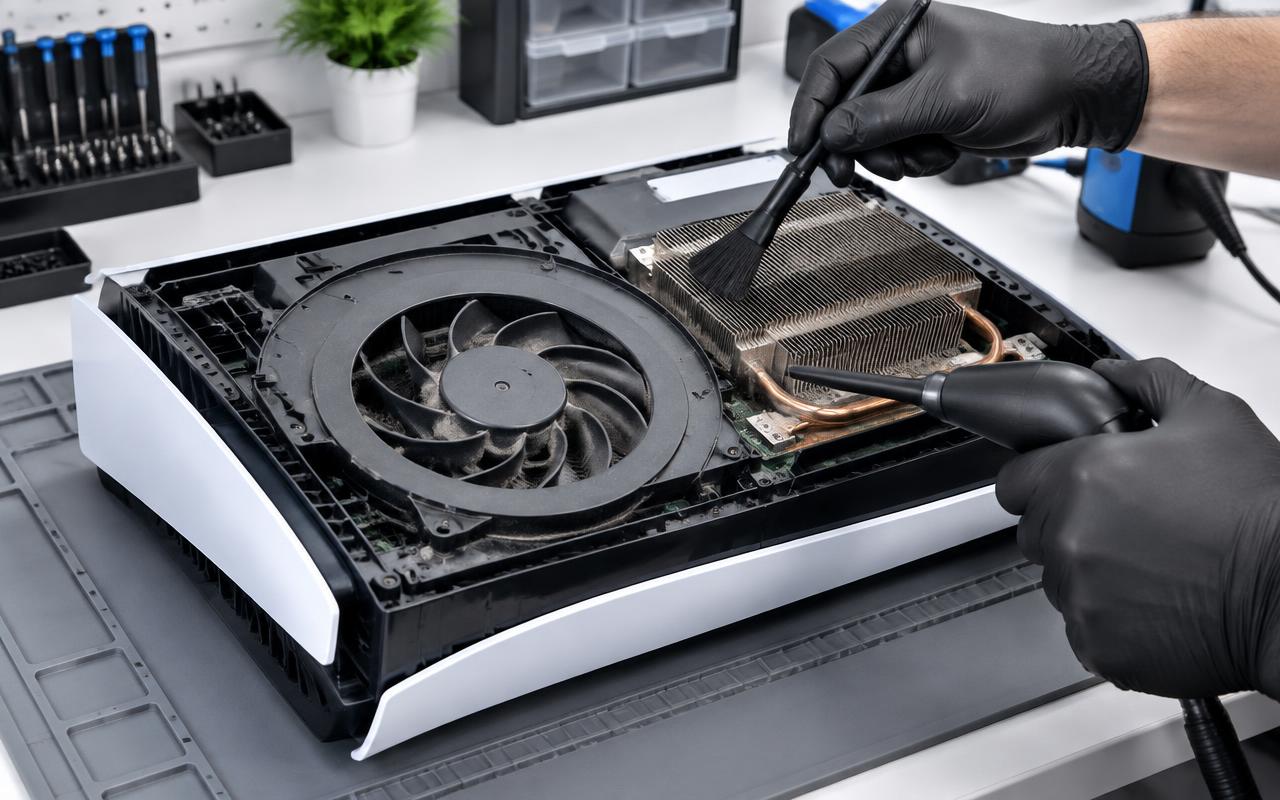
If the console used to work, ran hot, got loud, and now will not start — or starts and dies after a few seconds — dust and heat are prime suspects. Consoles that have overheated repeatedly can end up failing to start at all.
Check that the vents are clear and the console has space around it, is not sitting on carpet, and is not enclosed in a cabinet. Clearing the external vents is safe to do yourself. Getting the packed dust out of the fan and heatsink means opening the console.
6. What needs a bench
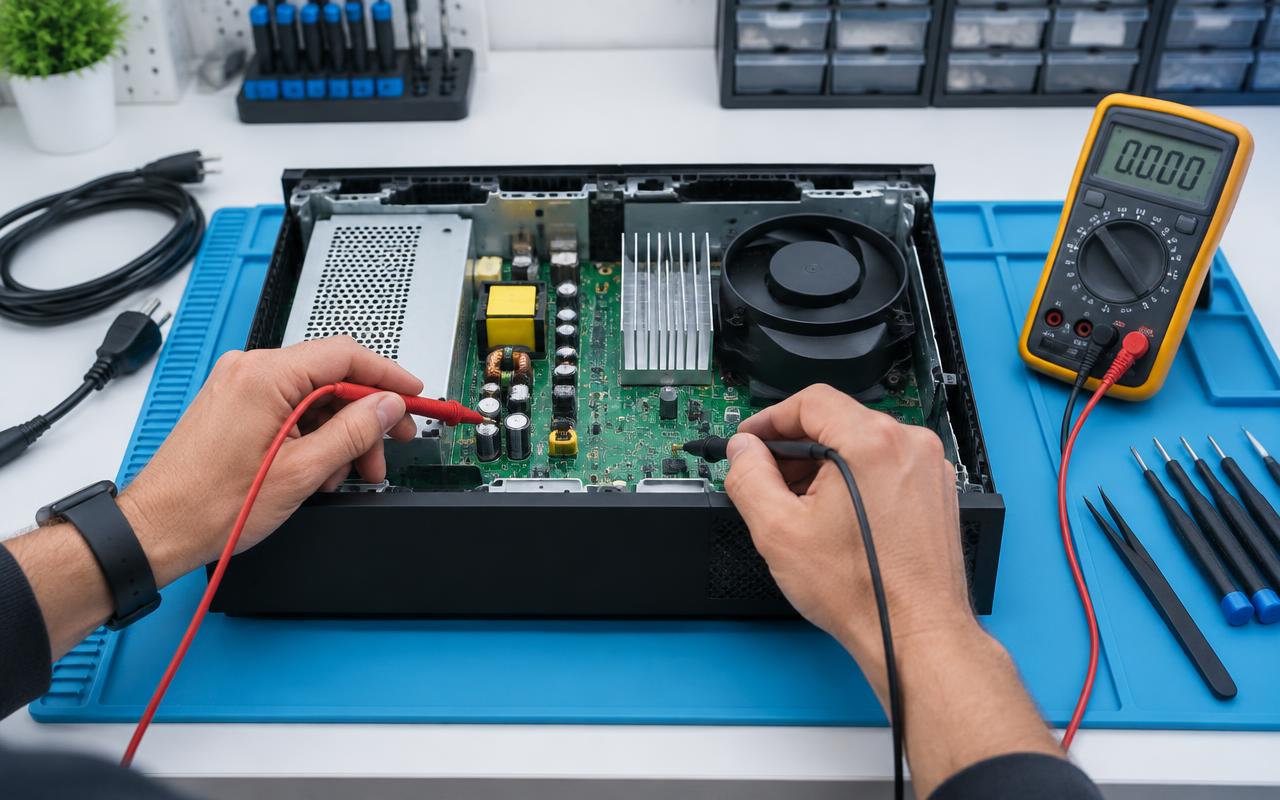
If you have been through the above and the console still does nothing, the likely causes are internal: a failed internal power supply, a fault on the power delivery section of the board, or damage from heat or a power surge.
Diagnosing that means measuring what is happening on the board, not swapping parts hopefully. We check the power side first, then work inward, and we tell you what we found and what it will cost before doing the repair. If we find damage that is not economical to repair on a console of that age, we will say so rather than start work.
When to stop trying things
Stop and get help if you smell burning, if the console tripped a breaker, if it was plugged in during a storm or power surge, or if any liquid has been near it. Repeatedly pressing the power button on a console with an electrical fault does not help and can make things worse.
Bring it in or mail it in
We repair Xbox Series X and S, Xbox One, One S, and One X consoles for customers in Delano and the surrounding communities, and we accept mail-in consoles from further away.
When you contact us, tell us which of the symptom patterns at the top matches your console and whether anything happened around the time it stopped — a storm, a move, a knock. That single detail often saves diagnostic time.
Common questions
- Why does my Xbox click but not turn on?
- A click with no fan usually means the power supply is starting and immediately protecting itself, often because something further into the console is drawing too much current. That needs diagnosing on a bench.
- My Xbox turns on but there is no picture. Is that a power problem?
- No. If a light comes on and the fan spins, the console has power. That is a video path issue — check the cable, the TV input, and a different screen first.
- Can an Xbox that overheated repeatedly be repaired?
- Often yes, with a proper clean and thermal service. If heat has already damaged the board, we will tell you what we found and whether it is worth repairing on a console of that age.
Console still misbehaving?
We clean, service, and repair consoles and handhelds, and test them under load before they go back to you.
- xbox
- no power
- troubleshooting
- overheating